Every client.Every creator.Every campaign.
One operating environment for creator campaign teams.


- Your agency
- Clients
- Campaigns for each client
Other organizations cannot see your workspace, and campaigns stay scoped to the client they belong to.
What your team gets
Clients, kept apart
Each client has its own campaigns inside your workspace. Nothing crosses over.
A creator CRM that is yours
Relationship status, notes and past rates stay private to your agency.
Campaign history
Every offer, agreement, approval and result stays on the campaign record.
Team workflow
Roles decide who builds campaigns, who reviews content and who records payment status.
Reporting
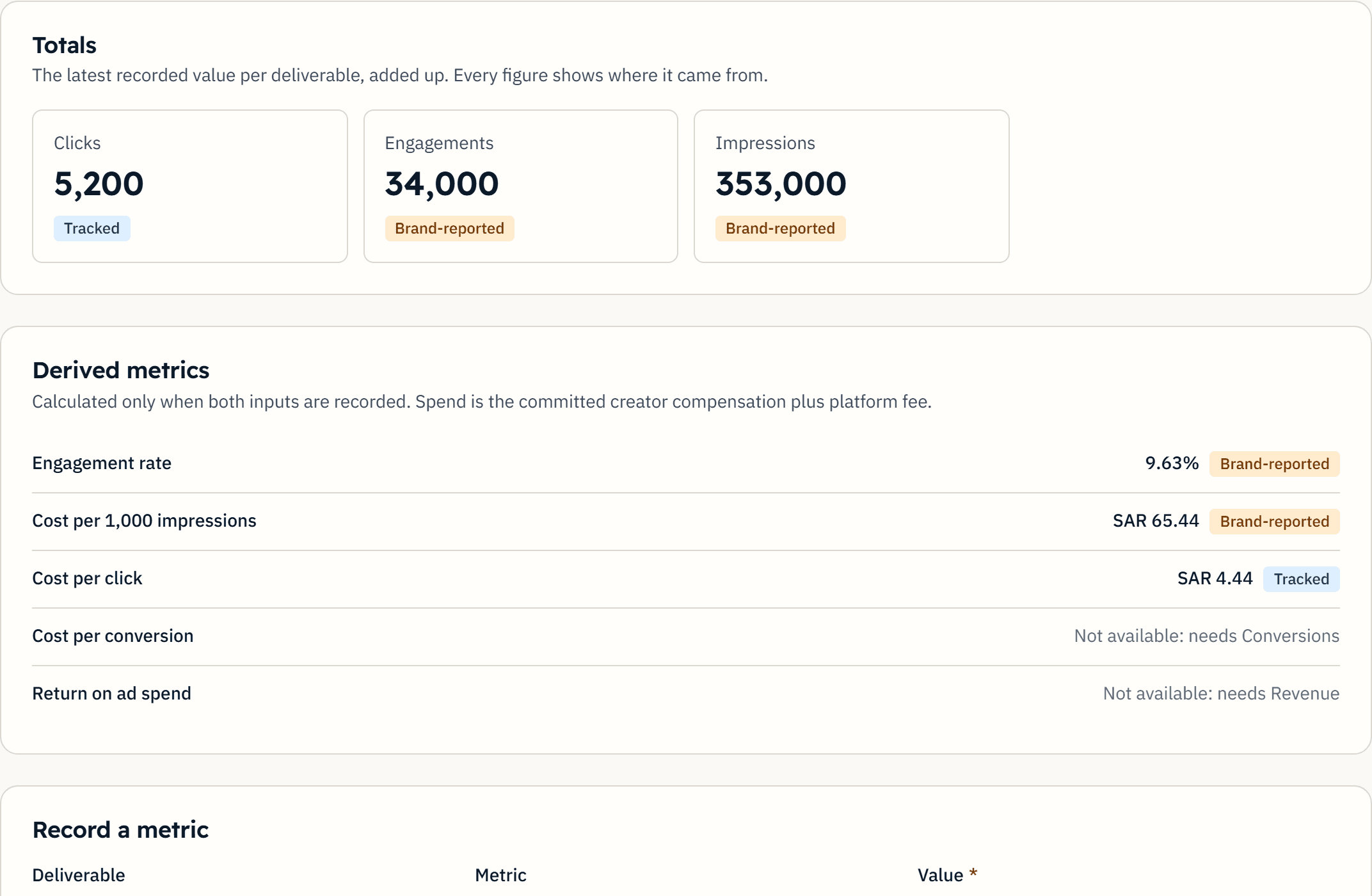
Campaign totals and derived metrics, each with its source label.
How the workspace is organised
Your agency has one workspace. Inside it, each client has its own campaigns. Your creator relationships and notes are private to your organization.
Team roles
Roles decide who can do what. These are the names used in the product.
- Owner
- Responsible for the organization and its members.
- Admin
- Manages members and settings.
- Campaign manager
- Builds and runs campaigns.
- Reviewer
- Reviews content, requests changes or approves.
- Finance
- Handles payment status records.
Opening a workspace
An agency creates its own workspace, with no approval step and no subscription. If you would rather talk through how your team would use it first, write to us.
Questions, answered plainly
Can one client see another client's data?
No. Each organization's data is isolated and authorized on the server, and inside an agency campaigns are scoped to the client they belong to.
Can I bring my own creator relationships?
Yes. Your private creator CRM stores relationship status, notes and history for your organization, and it is not visible to anyone outside it.
How does pricing work for agencies?
There is no subscription for agencies today. Marketplace campaigns carry a platform fee, 10% by default, shown in the campaign budget before you commit. Paying it online is not open yet.
Open your agency's workspace.
Create the workspace, add a client and build its first campaign.